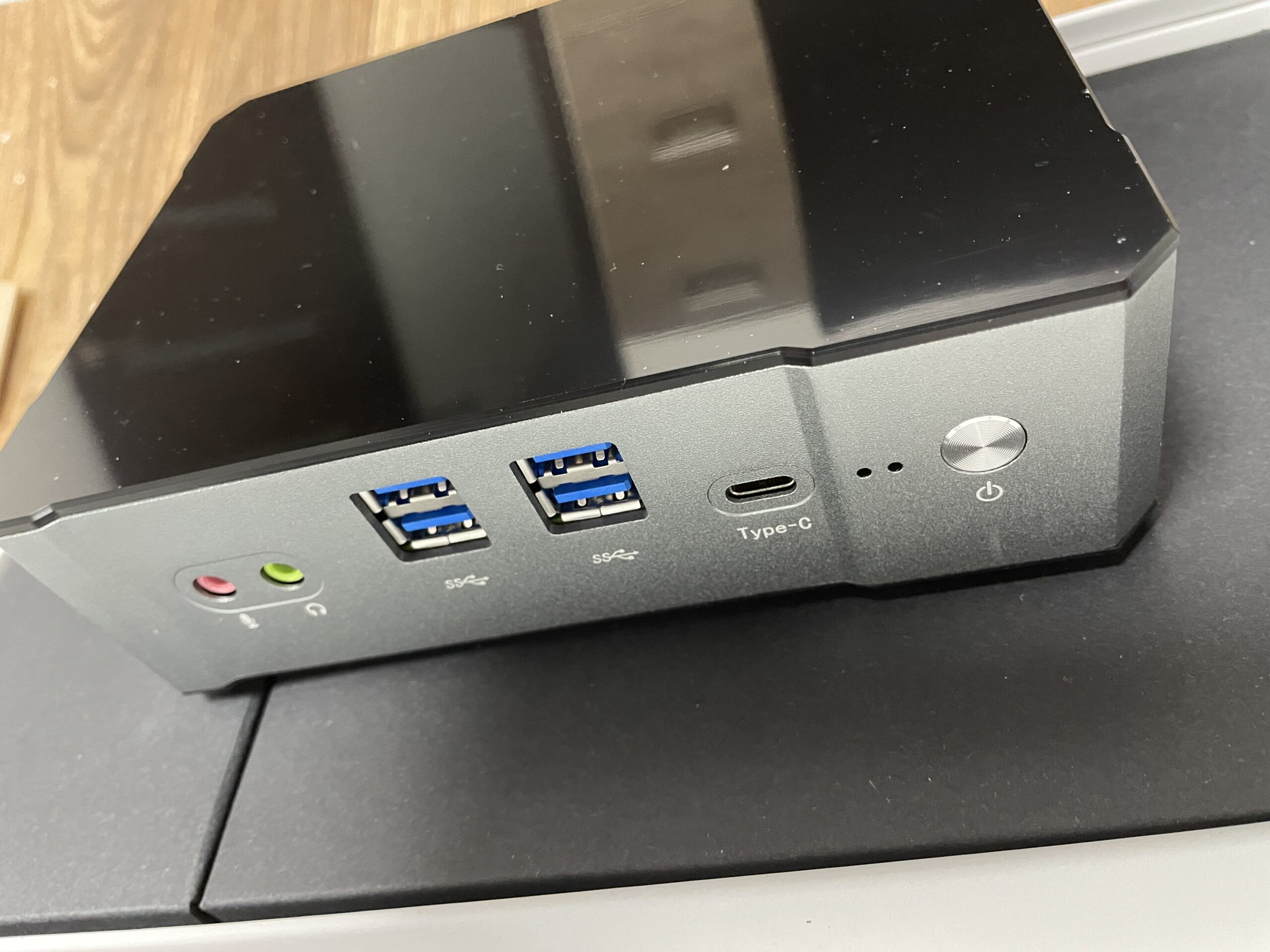
Once upon a weekend, I found myself on a quest for the perfect mini PC. Tired of the bulkiness of traditional desktops, I decided it was time to embrace the compact allure of a mini PC to cater to my evolving computing needs. I had experience in many offices with wonderful Dell and HP net-tops and mini PCs. But they price for proper configuration was about £650+. The recent home systems I’ve change for the last 5 years were the following (time accordingly): i9900K, Amd 5600X, i12600K. All of these were hot systems with big power supply with NVIDA GPUs: 1660S, 3070Ti, 4070Ti. In other words hot nosy systems.
This conclusion made on my experience of using the following:
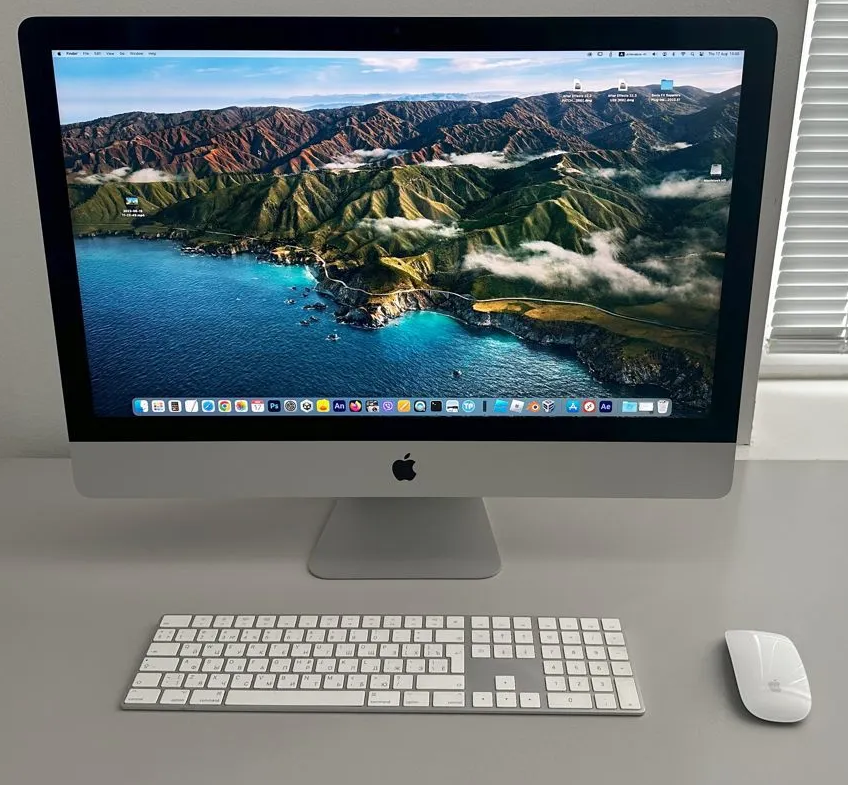
MacMini G4 1,42 MacPro G5 dual Mac Mini 2012 (i7, 16GB) iMac 27″ 9900K Vega 48 (64GB/1TB) MacBook Pro M2 Pro 16″ (16/1TB) numerous Hacintosh builds and simply using macOS(X) since 2004.
Cons:
Inability to utilize the full screen resolution while scaling fonts and icons. Once you make readable fonts you decrease resolution. What is interesting if you got Windows installed on Mac you can use full resolution and simply scale the fonts.
Lack of familiar keyboard shortcuts such as CTRL+Insert and SHIFT+Insert, as well as a different approach to the Insert key functionality. You can do it in Linux and Windows
Departure from the traditional Cut and Paste philosophy.
Limited text navigation and editing options with only one CMD button as opposed to Control + Arrow combinations.
Absence of a dedicated PrintScreen button, making screenshot capture less intuitive.
Limited ease of access for changing sound sources.
Lack of straightforward language switching setup, similar to the CTRL+SHIFT combination in Windows.
Insufficient built-in file recovery tools in case of data corruption or deletion.
Difficulty in effectively managing occupied storage space generated by macOS.
Missing dedicated END button.
Incompatibility or limited functionality of the FAR Manager (far2l) on macOS. Hard to have full control on your data and files.
Absence of a native PhotoViewer similar to that available in Windows (though deprecated by Microsoft either)
Lack of a basic image editing tool like Microsoft Paint.
Pros:
Utilization of the Metal graphics system, which enhances performance in graphic-intensive applications (but only in iMovie and Final Cut Pro, no benefits or even worse in Davinci Resolve Studio and Adobe Premier)
Appreciation for the user-friendly concept of software installation via DMG files (although this method may not be applicable to all software, PKG installation create same mess as in Windows).
Praise for the quality of hardware components, including the display and sound. You never build Hacintosh with the same quality and ergonomics for the Apple’s price.
Noteworthy font quality that surpasses that of Windows.
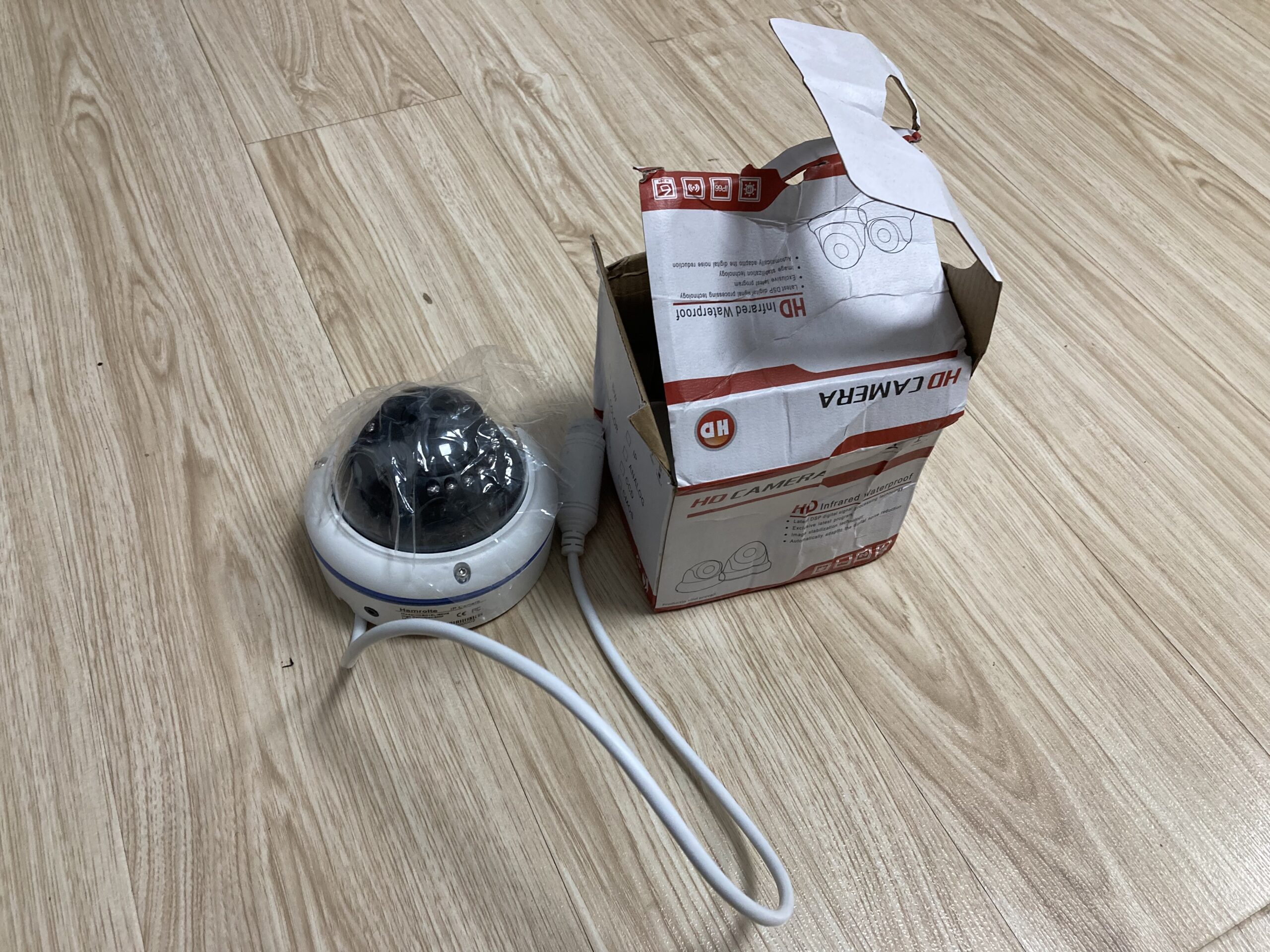
Protecting your home and loved ones is a top priority for any homeowner. With the rise of crime rates and increasing concerns about safety, it’s no wonder that more and more people are turning to personal CCTV cameras to enhance their security measures.
CCTV, or Closed Circuit Television, is a system of cameras that are installed around a property to monitor and record activity. These cameras are connected to a recording device, which can be accessed remotely by the homeowner or law enforcement.
One of the biggest advantages of CCTV cameras is their ability to deter potential burglars or intruders. When a property is under surveillance, criminals may be less likely to attempt a break-in, knowing that they could be caught on camera. This can provide peace of mind for homeowners, who can rest easy knowing that their property is less likely to be targeted.
In addition to deterring crime, CCTV cameras can also be used to identify perpetrators in the event of a break-in or other criminal activity. The footage recorded by the cameras can provide valuable evidence for law enforcement, increasing the chances of catching the culprit and recovering stolen property.
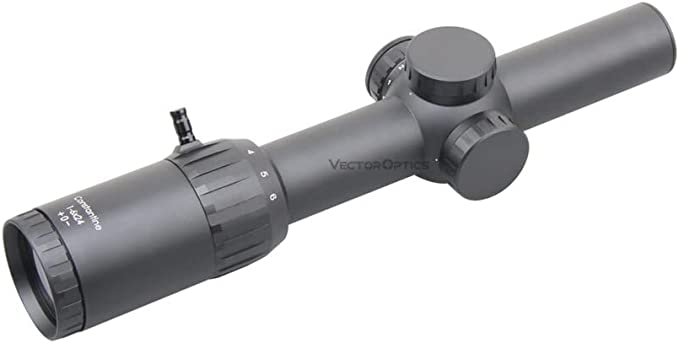
Victoptics and Vector Optics are both manufacturers of optical equipment such as scopes, sights, and binoculars. It’s likely that the primary difference between the two brands is the quality and price of their products. Vector Optics may be more established and well-known in the industry, and their products may be higher in quality and price compared to Victoptics. However, without more information about the specific products and models being compared, it is difficult to say for certain.
It’s possible that both Victoptics and Vector Optics products are made in the same factory or by the same manufacturer. Many companies in the optical equipment industry outsource the manufacturing of their products to third-party factories, particularly those located in Asia. It is also possible that they are made in different factories or countries. Without more specific information about the companies and their manufacturing processes, it is difficult to say for certain.
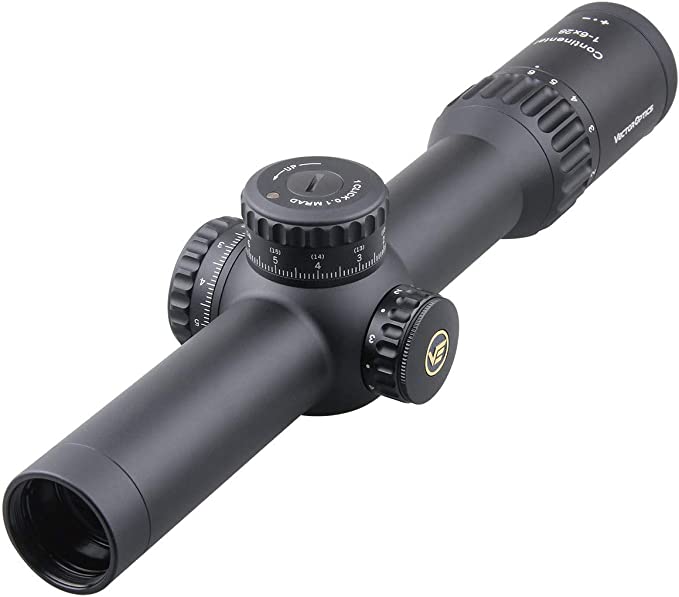
Vector Optics Constantine 1-6x24mm, 30mm Tube, 1/2 MOA, Red Illuminated Hunting Second Focal Plane (SFP) Riflescope
It is possible to find accurate information about the manufacturing location and processes of Victoptics and Vector Optics products, but it may require some research and effort. One way to find this information would be to contact the companies directly and ask for details about their manufacturing processes. Another way to find information would be to look for reviews or testimonials from customers who have purchased products from these brands and ask them about the origin and quality of the product they purchased. However, please keep in mind that the information may not be 100% true or accurate as some companies may be secretive about their manufacturing locations or processes.
But here is what they declare: from 2007, when Vector Optics established, till now, VE has always insisted on designing and producing high-end riflescopes and red dot sights to provide superior shooting experience for consumers.
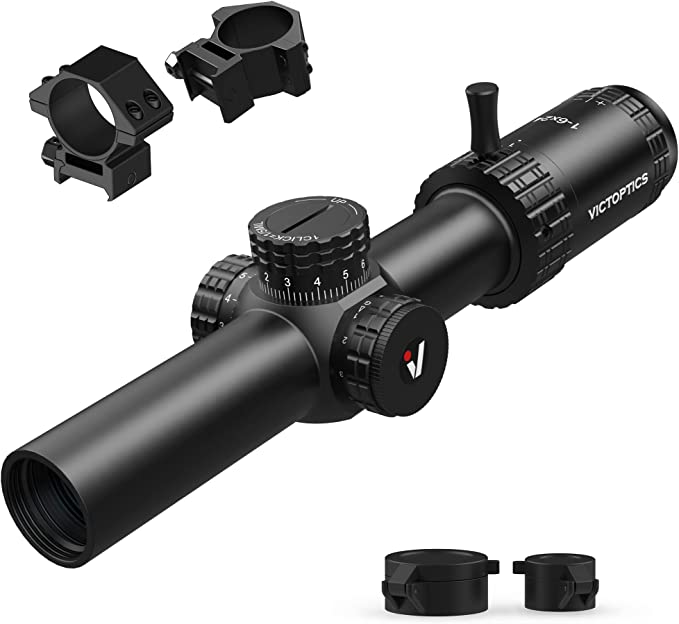
VICTOPTICS S6 1-6X24 30mm Monotube SFP 5 Levels Red & Green Illumination LPVO Edge-to-Edge Image Rifle Scope with Zero Reset & Turret Lock for Hunting Shooting Compact Airsoft Rifle Scope
In addition to these high-end products, we have also introduced some cost-effective products to meet the needs of more customers. However, the price gap between them makes some consumers feel confused, and the brand positioning becomes unclear. After careful consideration, we decided to classify these cost-effective products into a new brand: VictOptics.
VictOptics consists of 2 words “Victory” and “Optics”. As the sub brand of Vector Optics, all VictOptics products are produced under the supervision of Vector Optics and of course all designed for real fire caliber.
“Qualified products; Practical functions; Lower price” are what VictOptics insists on. VictOptics wants to provide good-quality scopes for the shooting enthusiasts just getting started or with low budget. We hope everyone can enjoy shooting and experience the fun of shooting sport.
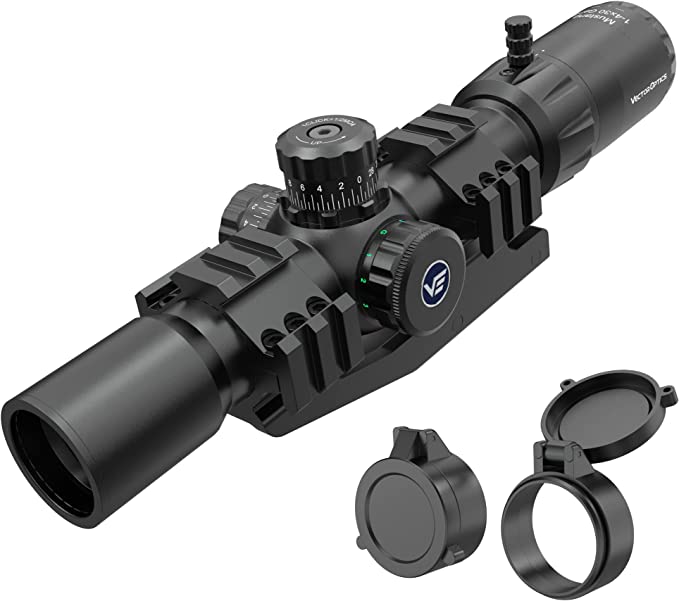
VICTOPTICS 1-4×30 SFP 30mm Monotube, SFP Riflescope -Matched Chevron Reticle (1/2 MOA Finger Adjust) with Sports Cantilever One Piece Mount Mount
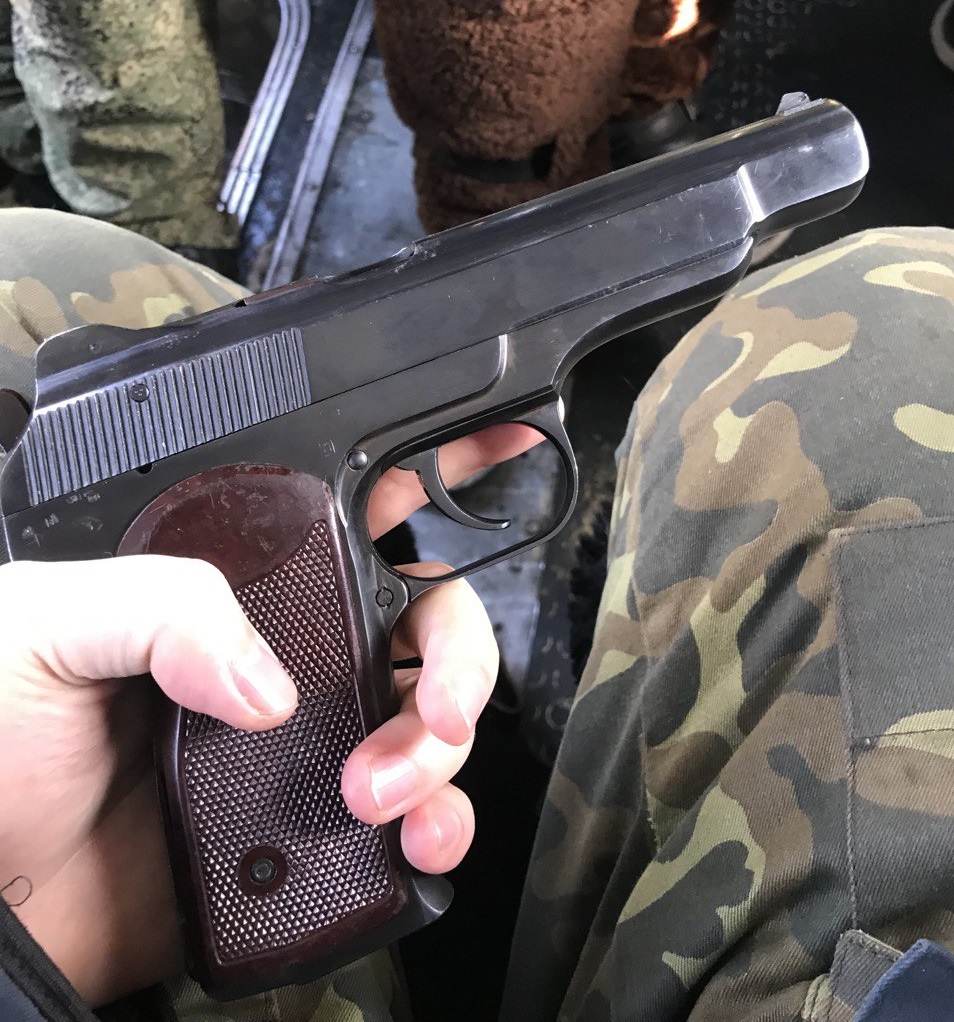
The Stechkin 9×18 is a Soviet-designed automatic pistol. It was designed by Igor Stechkin and entered service with the Soviet military in 1951. It has a 20-round magazine and fires the 9x18mm Makarov cartridge. The Stechkin is a selective fire weapon, meaning it can be used in both semi-automatic and automatic modes. It was primarily used by Soviet special forces and police units, but was also made available for export. The Stechkin is known for its high rate of fire, accuracy, and reliability. It is still in use today by some Russian special forces units.
Stechkin 9×18
The Stechkin 9×18 is still in service today with some Russian special forces units because it is a reliable and durable weapon that has proven itself in combat. Despite being developed in the 1950s, the design of the Stechkin is still considered modern and effective. Additionally, the 9x18mm Makarov cartridge that it fires is still in use by Russian military and law enforcement, so there is a ready supply of ammunition. Furthermore, it is a simple and robust design, which means that it is relatively easy to maintain and repair, making it a cost-effective option for the military. The Stechkin also has a good reputation for accuracy and firepower which is a desirable feature for special forces units.